XImaging - Image Viewer and Browser
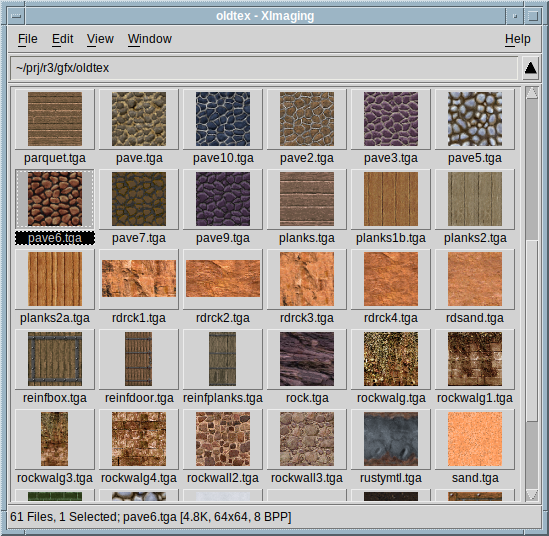
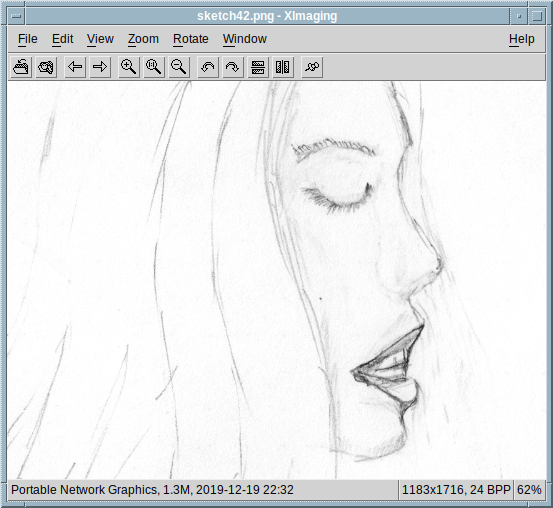
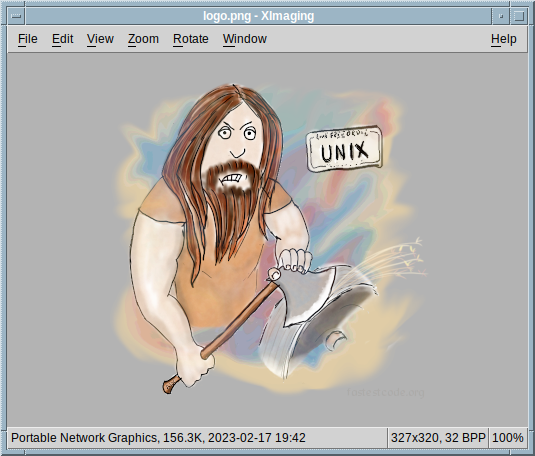
XImaging is a lightweight, multithreaded, open source image viewer for FreeBSD, Linux and other Unix like platforms running X11. The application can be run in viewer or browser mode. The viewer displays full size images and provides zooming, panning, rotation and other useful functions. The browser searches a directory for known image file types and displays them as thumbnails. Additionally both modes provide basic file management routines. A custom tool may be specified for opening selected files in another application for editing.
Most common raster image types are suppported directly, while filters (any program that can write PNM/PAM data to the stdout) may be used to add support for other kinds of image data.
The program is written in C, and uses the Motif widget toolkit. The source code may be modified and distributed under the terms of the X/MIT license.
Downloads
 Latest release:
ximaging-src-1.9.3.tar.xz
(Aug 30 2026)
Latest release:
ximaging-src-1.9.3.tar.xz
(Aug 30 2026)
The 1.9.3 update adds copy/paste interoperability with XFile and fixes some minor bugs.
See the included README file for build instructions. On Linuxen, make sure to review and adjust the installation prefix and X resources (app-defaults) location, since defaults may not be suitable for all distros. Everything is usually tested on FreeBSD and a GNU/Linux. If you have a question that isn't answered in the manpage, feel free to contact me (Alex): mail@fastestcode.org
 You can support maintenance and further development
by making a donation.
You can support maintenance and further development
by making a donation.
Hints On Basic Configuration
The default image editor can be specified with the editCommand resource. This affects the File ⇒ Edit menu command in the browser as well as in the viewer. E.g.:
XImaging.editCommand: gimp
On screens over 120 DPI it may be suitable to have large toolbar icons and large cursors enabled. The tileSizeList resource, which specifies three thumbnail sizes in pixels, (small, medium and large) selectable from the view menu, may also need be adjusted accordingly. E.g.:
XImaging.viewerToolbar: True

XImaging.largeToolbarIcons: True

XImaging.largeCursors: True

XImaging.tileSizeList: 120, 200, 320
If ImageMagick is installed, it may be put to use as a filter for a variety of formats not directly supported by XImaging by defining following X resources:
XImaging.filter.imagemagick: convert %n pam:-

XImaging.filter.imagemagick.suffixes: xcf psd svg
Add any types supported by ImageMagick to the space-separated list of suffixes. See man 1 ximaging for detailed information.
The directory pane in the browser window will adjust its width according to contents (default Motif behavior). This can be changed with following resources:
XImagingBrowser*directoriesList.listSizePolicy: CONSTANT

XImagingBrowser*directoriesList.width: 80
Set width to a desired value in pixels.
See the EMWM FAQ/Guide that also contains general info on setting up Motif based applications.
Screenshots
Click for a larger picture.
Repositories
Git repositories (push only) are available on SourceForge and Github.